Independent Lighting & Ergonomics Publication

Practical Guidance for More Comfortable Everyday Vision

Learn how thoughtful desk lighting, window glare reduction, and balanced screen habits help students, remote workers, and avid readers maintain visual ease throughout demanding days.

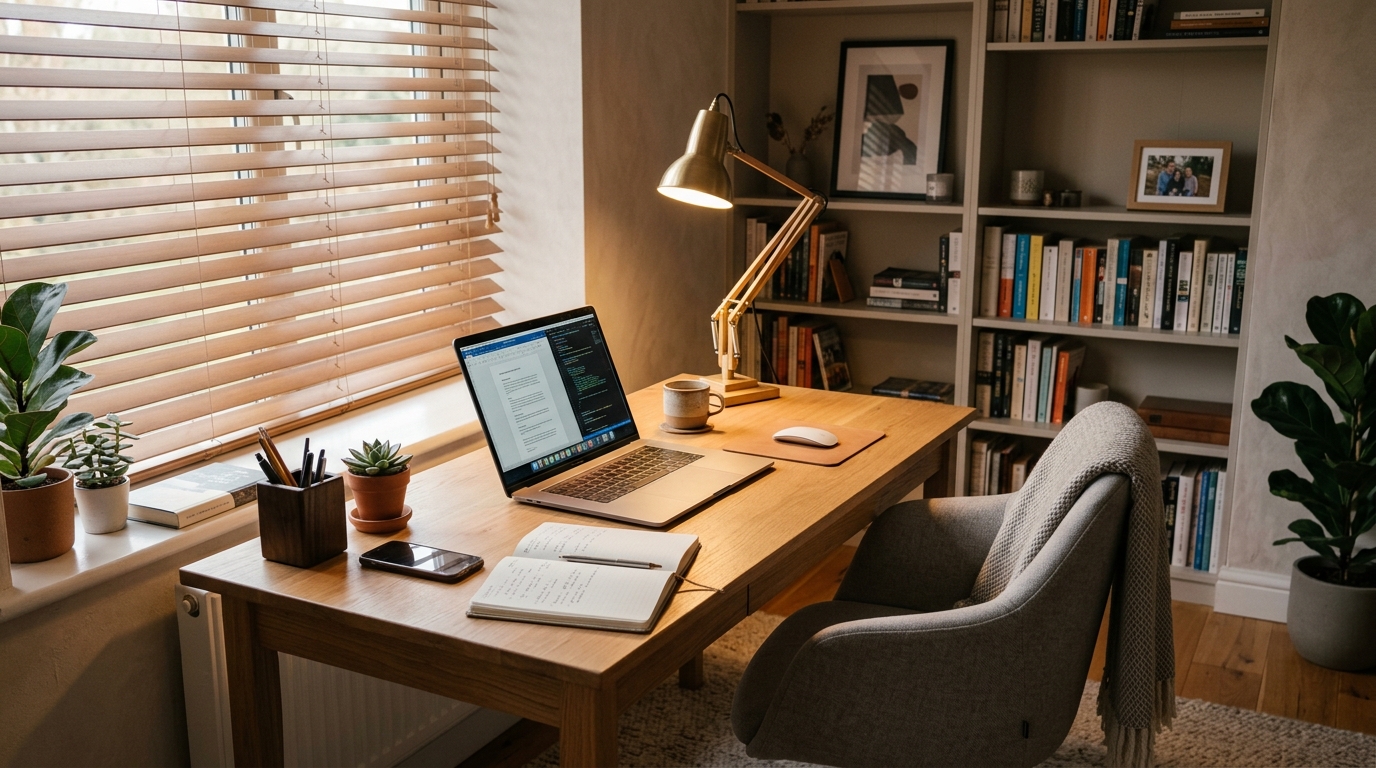
Comfortable organized home workspace with warm task lamp and diffused natural daylight through blinds
A balanced workspace: diffused task light, glare-free monitor angle, and soft ambient room fill.
Core Principles

Four Pillars of Everyday Visual Comfort

Eye fatigue during screen work rarely stems from a single factor. Comfort is built by aligning lighting geometry, screen calibration, workspace physical ergonomics, and regular rest intervals.

☼

Diffused Task & Ambient Lighting

Directing light onto physical papers while shielding bare bulbs prevents harsh glare and high-contrast pupils stress. Learn how to balance ambient ceiling lights with dedicated task fixtures.

Explore Lighting Basics →
💻

Screen Reflections & Bias Lighting

Positioning monitors perpendicular to windows eliminates washed-out text caused by specular reflections. Discover how subtle backlighting softens dark room contrasts.

Master Screen Comfort →
📐

Ergonomic Geometry & Distances

Maintaining a 50–70 cm viewing distance and a 15°–20° downward gaze angle reduces eyelid exposure, promoting natural tear film distribution and easing neck strain.

View Desk Setup Guide →
⏱

Micro-Breaks & The 20-20-20 Habit

Internal focusing ciliary muscles tense up during prolonged close work. A structured pause every 20 minutes allows the optical system to reset without losing study momentum.

Open Daily Checklist →
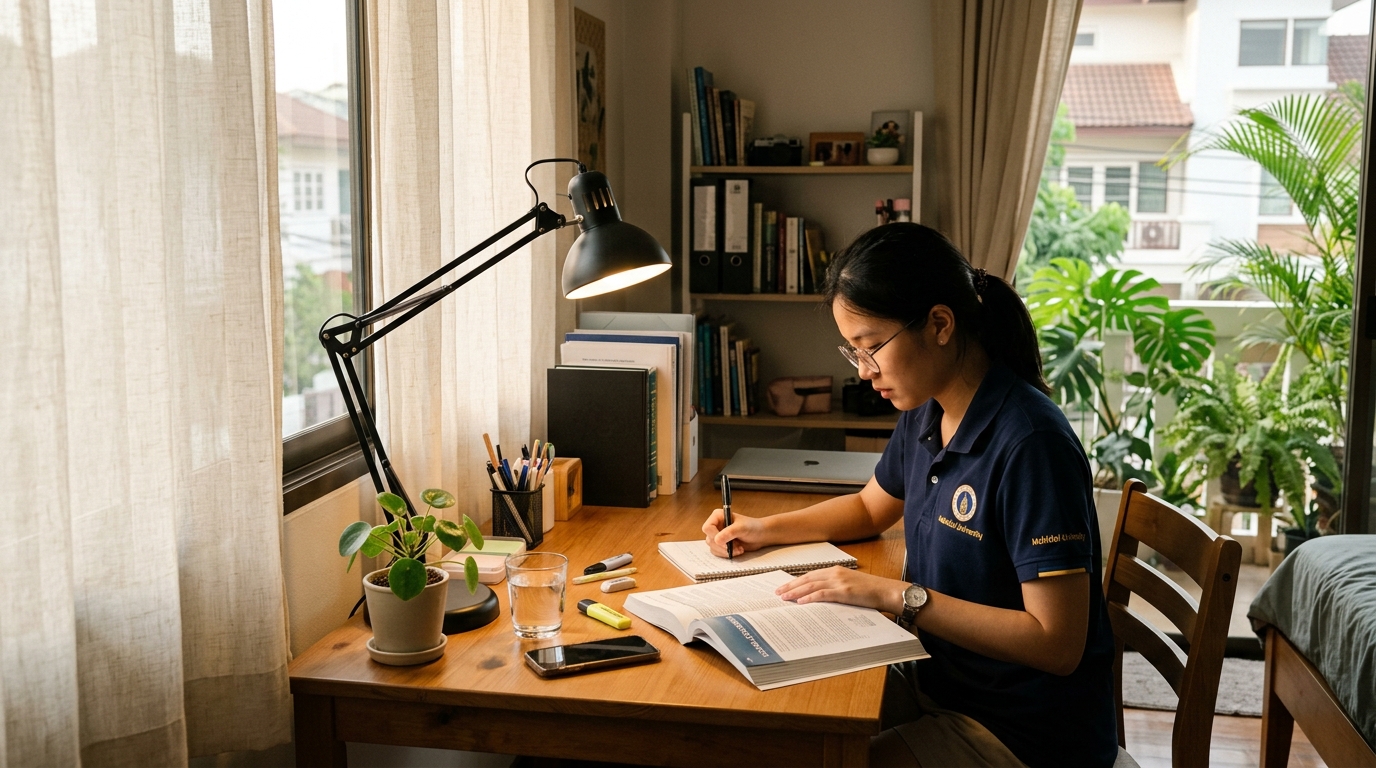
University student studying at a tidy wooden desk in a realistic Philippine home setting with sheer curtains
Realistic study environment: sheer curtains temper bright midday sunlight while an adjustable lamp illuminates physical notes.
Localized Reality

Tailored for Philippine Homes, Condos & Shared Spaces

From intense tropical sun glare across Metro Manila high-rises to compact shared bedrooms in Cebu and Davao, working from home poses distinct lighting challenges. Standard international guides often assume private multi-room suites or dim northern daylight.

We focus on realistic, budget-conscious solutions: lightweight sheer roller shades, compact clamp lamps for tight desks, USB task lights, and positioning strategies that do not require expensive renovations.

Interactive Decision Tools

Diagnose Your Workspace in Minutes

Our practical utilities give you instant, personalized suggestions based on your exact desk arrangement, available budget, and dominant visual tasks.

☑

Daily Comfort Checklist

A 9-point interactive inspection tool. Check off lighting, screen distance, glare, and rest habits to calculate your daily ergonomics score and receive tailored quick fixes.

Launch Checklist →
⚙

Lighting Setup Assistant

Select your primary task, window proximity, main issue, and budget to view prioritized, actionable lighting and furniture adjustments.

Open Assistant →
💡

Desk Lamp Comparison

Compare architect clamp lamps, heavy base fixtures, monitor light bars, and clip-on goosenecks across footprint, flexibility, and Philippine budget tiers.

Compare Lamp Types →

Understanding Our Educational Scope

Vision Path Clarity is an independent educational publication. Our recommendations are grounded in lighting science, visual ergonomics, and physical comfort best practices. Adjusting light levels and taking regular screen breaks can reduce eye strain, dryness, and fatigue—but they are not a substitute for clinical eye care.

If you experience persistent eye pain, double vision, flashes of light, severe headaches, or sudden vision loss, seek immediate evaluation from a licensed optometrist or ophthalmologist.