
Reading Comfort: Optimizing Light for Books, E-Readers & Tablets
Whether reviewing printed law textbooks, reading literature, or browsing research on an e-reader or tablet, close-up reading demands tailored lighting geometry. Learn how to prevent page glare, reduce neck strain, and enjoy extended reading sessions in comfort.
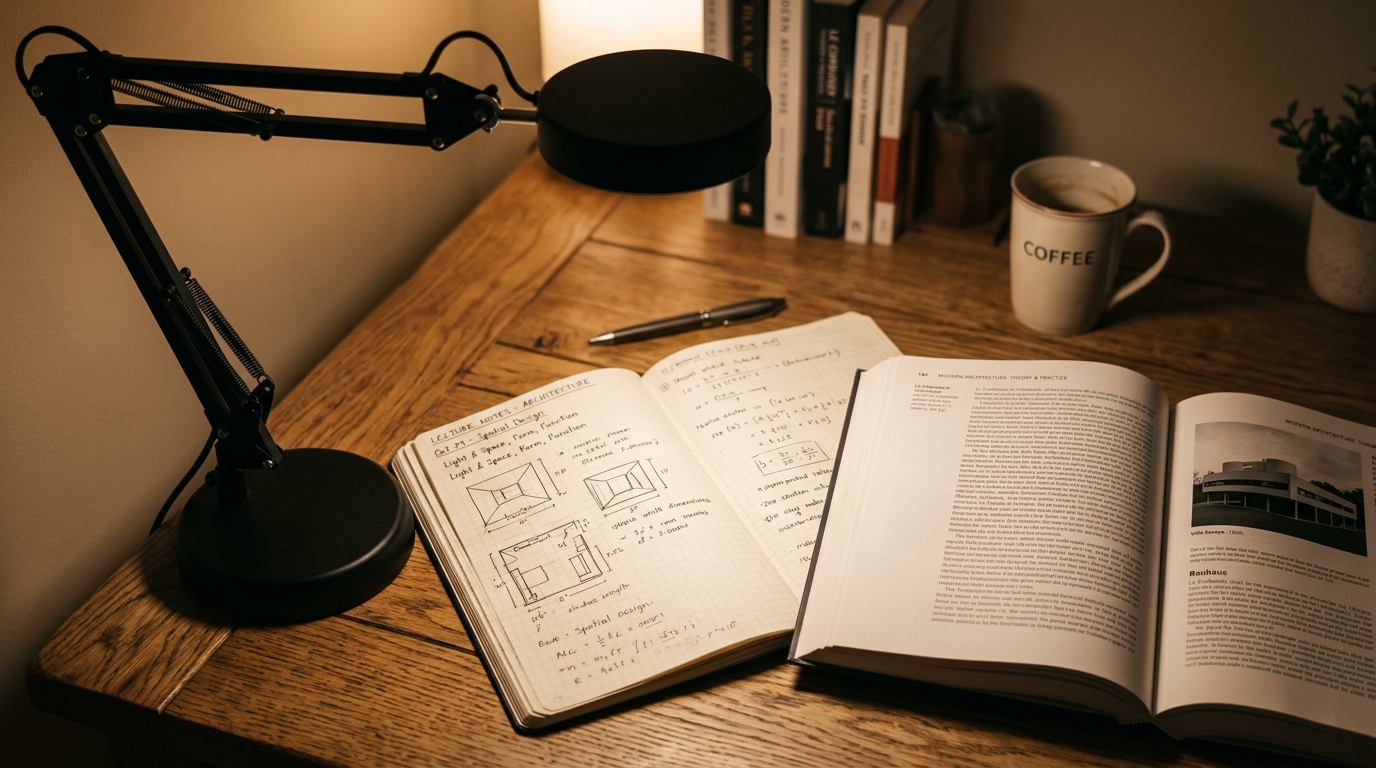
Reading Print vs Emissive Screens
Printed paper and digital screens interact with light in fundamentally different ways:
- Printed Paper: Relies entirely on reflected ambient light. If room light is dim, contrast between black ink and paper plummets, requiring your ciliary muscles to work harder. Glossy textbook paper can also produce sharp specular glare if hit by direct ceiling beams.
- Emissive Screens (Tablets / Laptops): Emit their own light directly into your eyes. If ambient light is too dim, high contrast causes pupil strain; if ambient light is too bright, the screen washes out.
- E-Ink Displays: Use micro-capsules of black and white pigment that behave like physical ink. E-ink requires external light (or front-lights that guide light across the surface rather than blasting into your eyes), making it significantly gentler for long reading sessions.
Elevate Your Pages: The Power of a Reading Stand
Resting a book flat on a table forces you to tilt your head down at a steep 45° angle. Over 30 minutes, this places up to 27 kilograms of gravitational pressure on your cervical spine.
The 45° Reading Easel
Use an adjustable wooden or metal reading stand to prop books or tablets at a 40° to 50° angle. The text faces your eyes squarely, ensuring uniform viewing distance from the top of the page to the bottom without craning your neck.
E-Readers (E-Ink) vs Multi-Purpose Tablets
For readers who spend hours consuming digital texts, dedicated E-Ink readers offer distinct visual advantages over standard LCD or OLED tablets:
- Zero backlighting shining directly into the retina.
- True matte finish with zero specular reflections, even in direct Philippine tropical daylight.
- Built-in adjustable warm front-lights that do not emit sleep-disrupting blue wavelengths during bedtime reading.
Side-Angle Lighting: Banishing Glossy Page Glare
Many academic textbooks, magazines, and technical manuals are printed on coated, semi-glossy paper. Placing a desk lamp directly over the center of the book creates a blinding white reflection that washes out entire paragraphs.
The Fix: Position your task lamp 40 cm to the side and slightly behind the reading surface, angling the light across the pages at a shallow angle. Light reflects away from your eyes rather than straight back into your pupils.